
Preventive maintenance is one of the simplest ways to protect machining consistency. It does not eliminate every problem, but it helps a shop identify abnormal conditions before they become unplanned downtime, poor surface finish, tool breakage, or quality variation.
This article provides a general maintenance framework for CNC machining centers. It is not a substitute for the machine-specific operation manual, safety instructions, or service procedures. Always follow the manufacturer’s documented intervals and use qualified technicians for electrical, spindle, alignment, hydraulic, pneumatic, or safety-related work.
Why a Maintenance Schedule Matters
A machining center is a connected system: spindle, axes, lubrication, coolant, chip removal, tools, workholding, control, and environment all influence performance. Small issues can compound. Dirty coolant can affect machining and housekeeping. Blocked chip flow can interrupt a cycle. A damaged wiper can allow contamination into an area that should remain protected.
A clear schedule gives operators and maintenance teams a shared routine and creates records that make unusual trends easier to spot.
Daily Checks
Daily tasks should be simple enough to complete consistently before or during normal production.
Clean the Work Area and Chip Zones
Remove chips from the table, fixture areas, door tracks, and accessible chip-management components using approved methods. Avoid directing chips into covers, sensors, seals, or other protected areas.
Check Coolant Condition
Review coolant level and visible condition. Look for excessive foam, unusual odor, contamination, or poor chip evacuation. Follow the approved coolant concentration and maintenance procedure for the machine and material being processed.
Inspect Lubrication and Consumable Indicators
Check the machine’s lubrication level or alarms according to the operator manual. Do not assume an alarm can be ignored because the machine is still moving normally.
Listen and Look for Changes
Unusual vibration, noise, heat, leakage, alarms, or changes in surface finish should be recorded and reviewed. A small change is often easier to diagnose than a failure after it worsens.
Review Tools and Workholding
Inspect cutting tools, holders, clamps, and fixture contact surfaces that are part of the day’s work. Damaged tools or poor clamping can create a quality issue that looks like a machine problem.
Weekly Checks
Weekly tasks typically focus on cleanliness, fluid management, and visible mechanical condition.
Check Chip Conveyor and Filtration Components
Inspect accessible conveyor, screen, filter, or collection areas as specified by the equipment manual. Clear buildup before it restricts chip flow.
Inspect Air and Coolant Lines
Look for visible leaks, damaged hoses, loose fittings, or inconsistent flow. Any repair involving pressurized systems should follow the correct safety procedure.
Check Doors, Windows, Covers, and Wipers
Inspect the condition of door seals, way covers, wipers, windows, and guards. These components help protect the machine and operator environment from chips and coolant.
Back Up Production Information
Follow your plant policy for backing up programs, offsets, tool data, and machine parameters. Do not alter protected control parameters unless authorized and qualified to do so.
Monthly and Periodic Checks
Monthly tasks may include more detailed inspection and should be assigned according to staff qualifications and the manufacturer’s documented intervals.
Inspect the Machine Environment
Confirm that the area around the machine remains clean, dry, adequately lit, and free from unnecessary obstructions. Review ambient conditions against the machine documentation where applicable.
Review Fluid, Air, and Lubrication Systems
Use the machine manual to plan cleaning, replacement, or adjustment intervals. Keep records of fluids used, concentration checks, filter changes, and alarm history.
Check Accuracy Trends
If your quality system tracks first-part results, in-process measurements, or recurring offset adjustments, review the trend. An increase in corrections may indicate a need for deeper investigation.
Schedule Professional Service When Needed
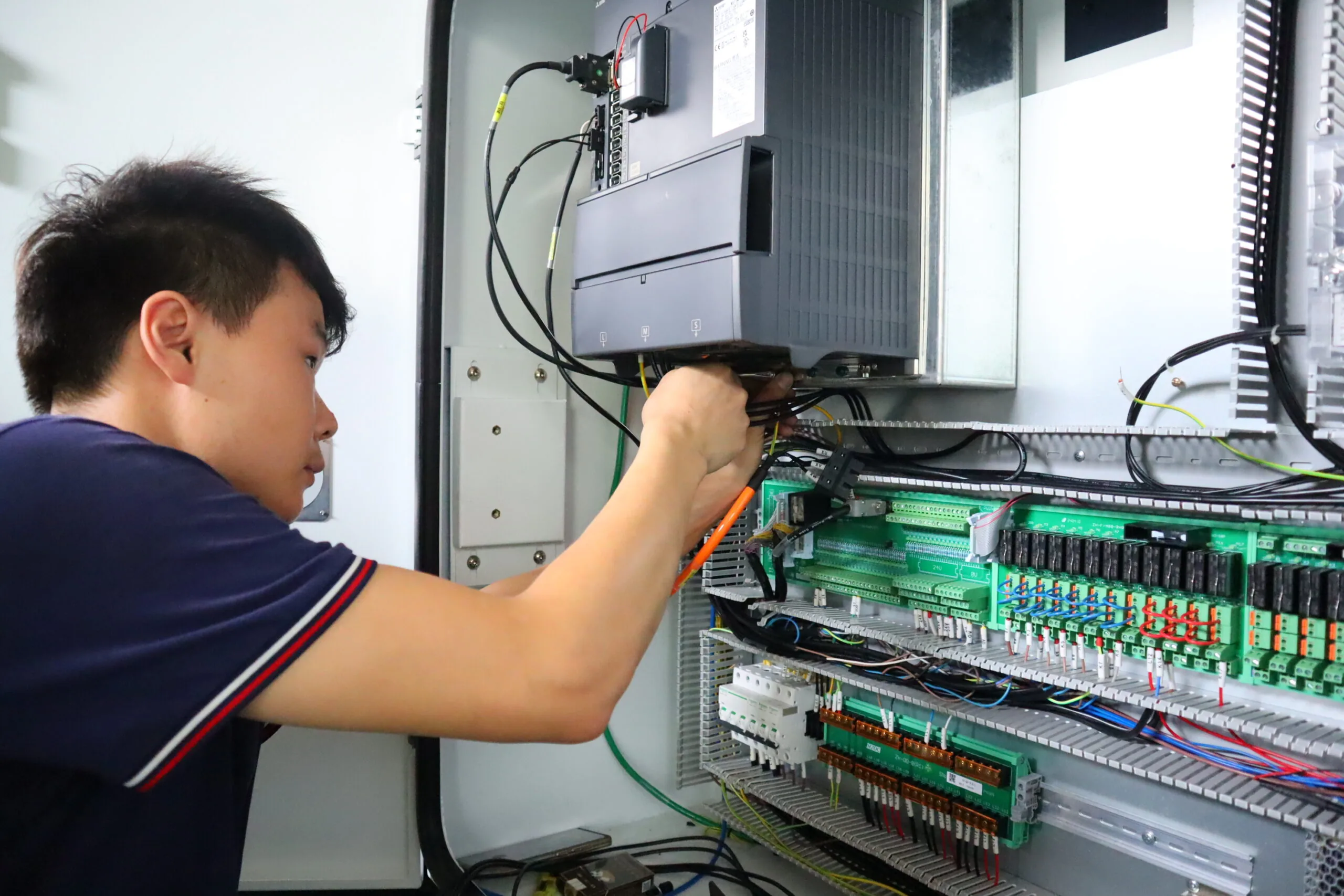
Tasks involving electrical cabinets, spindle condition, geometry verification, laser calibration, backlash analysis, hydraulic systems, or safety circuits should be handled by qualified personnel following the correct procedure.
Stop and Escalate When You See These Signs
Stop work and follow your site’s escalation procedure if you observe a safety risk, severe leakage, smoke, repeated alarms, abnormal axis movement, major collision damage, loss of guarding, or a sudden change that could affect part quality. Continuing production without assessment can increase risk and damage.
Keep a Practical Maintenance Record
A useful maintenance record includes the date, machine identification, task performed, observations, alarm codes, parts replaced, person responsible, and follow-up action. It does not need to be complicated. The value comes from consistency and traceability.
Final Reminder
Use this checklist as a planning framework, then adapt it to the specific CHANSIN machine model, control system, installed options, operating environment, and official documentation. If you need help preparing a model-specific maintenance plan, contact CHANSIN with the machine model, serial information, operating conditions, and the issue you want to prevent.
Frequently Asked Questions
How often should a CNC machining center be maintained?
Use the machine manufacturer’s documented intervals and adjust the routine for machine model, installed options, operating environment, material, coolant, and production intensity.
Can operators perform all CNC maintenance tasks?
No. Operators may complete approved routine checks, but electrical, spindle, geometry, hydraulic, pneumatic, safety, and other specialized tasks should be performed by qualified personnel.
What should a CNC maintenance record include?
Record the date, machine identification, task completed, observations, alarms, replaced items, responsible person, and follow-up action.
Explore the contact CHANSIN for model-specific guidance.

Leave a reply